Metrics & Homepage Counters
Live statistics displayed on your homepage counter strip.
Homepage Metrics Strip
Edit your publication, tenure, and awards counts directly.
📝 Page Text & Content Editor
Easily control and update text, headings, bios, milestones, and section descriptions on each page of your website.
Homepage Hero Heading
Main display headline shown in large serif font on the homepage hero.
Research Frontiers (Section 1)
Header text and 3 feature preview cards on the homepage.
Scholarly Output & Publications Stream (Section 2)
Headings for the featured publications grid and moving document first-page stream.
Academic Trajectory & IIT Milestones (Section 3)
Trajectory step cards and ceremony photo captions on the homepage.
Convocation & Mentorship Photos (Section 4)
Honors & Awards Header (Section 5)
Collaboration Callout Banner (Section 6)
About Page Hero Header
Academic Trajectory Biography Card
Academic Path & Milestones Timeline
Research Page Hero
6 Core Research Pillars
ANRF Flagship Project & 4 Stages
Publications Page Hero
Moving Document Covers Stream Header
Awards Page Hero
Certificate Gallery Header
Lab Gallery Hero Header
Gallery Section Titles
Contact Page Hero
Sections Headings
Global Header Brand
Universal Footer Affiliations & Copyright
Publications Manager
Add new publications or edit any previously entered paper with direct photo cover upload.
+ Add New Publication
Fill in details and choose a photo cover directly from phone or PC.
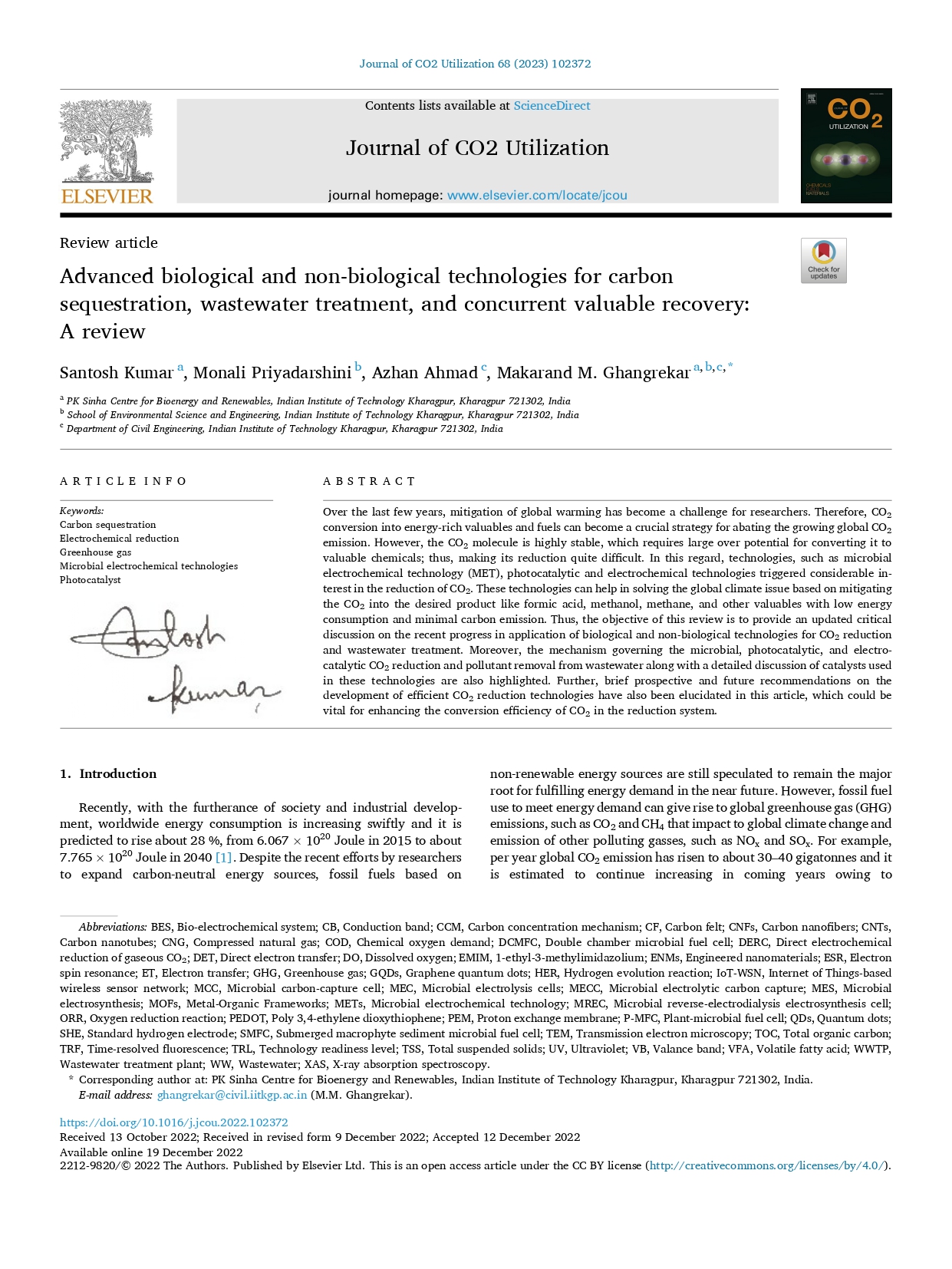
All Current Publications (20)
Awards & Honors Manager
Add new honors or edit existing certificates with direct photo upload.
+ Add New Award
Add or update verified certificates and recognitions.

Existing Award Certificates
Click 'Edit' on any certificate to change its title, year, or replace its photo directly.
Lab Gallery Manager
Manage experimental reactors, pilot systems, and photos directly from your phone.
+ Add New Lab Setup
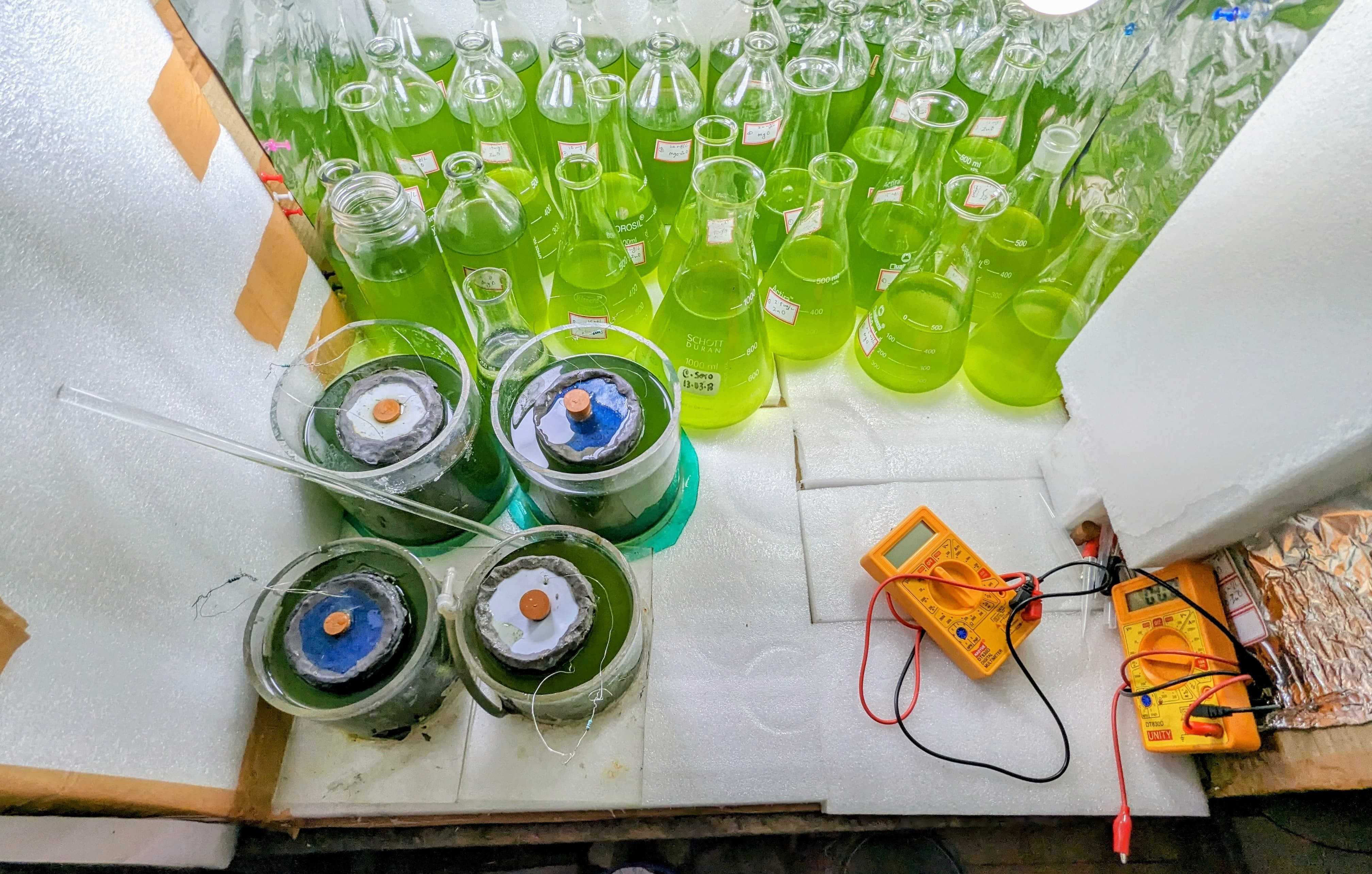
Current Lab Systems
Profile & Biography
Edit bio, headline, official contact channels, and profile portrait.
Academic Identity

Official Contact Channels
Settings & Backup
Security, passcode, and one-click JSON backup.
Change Admin Passcode
Backup & Restore Data
Download a complete backup of all publications, awards, bio, and settings.